Record the job cost
Assign a material receipt, labor entry, equipment cost or other expense to the project it belongs to. Keep enough detail to understand what the cost represents.

Keep materials, labor, equipment and other expenses connected to the right project. TrueSite brings job-cost records and payment information into the same construction management workflow, so you can review the money behind the work.
Explore a sample job before you choose. No card required for the demo.
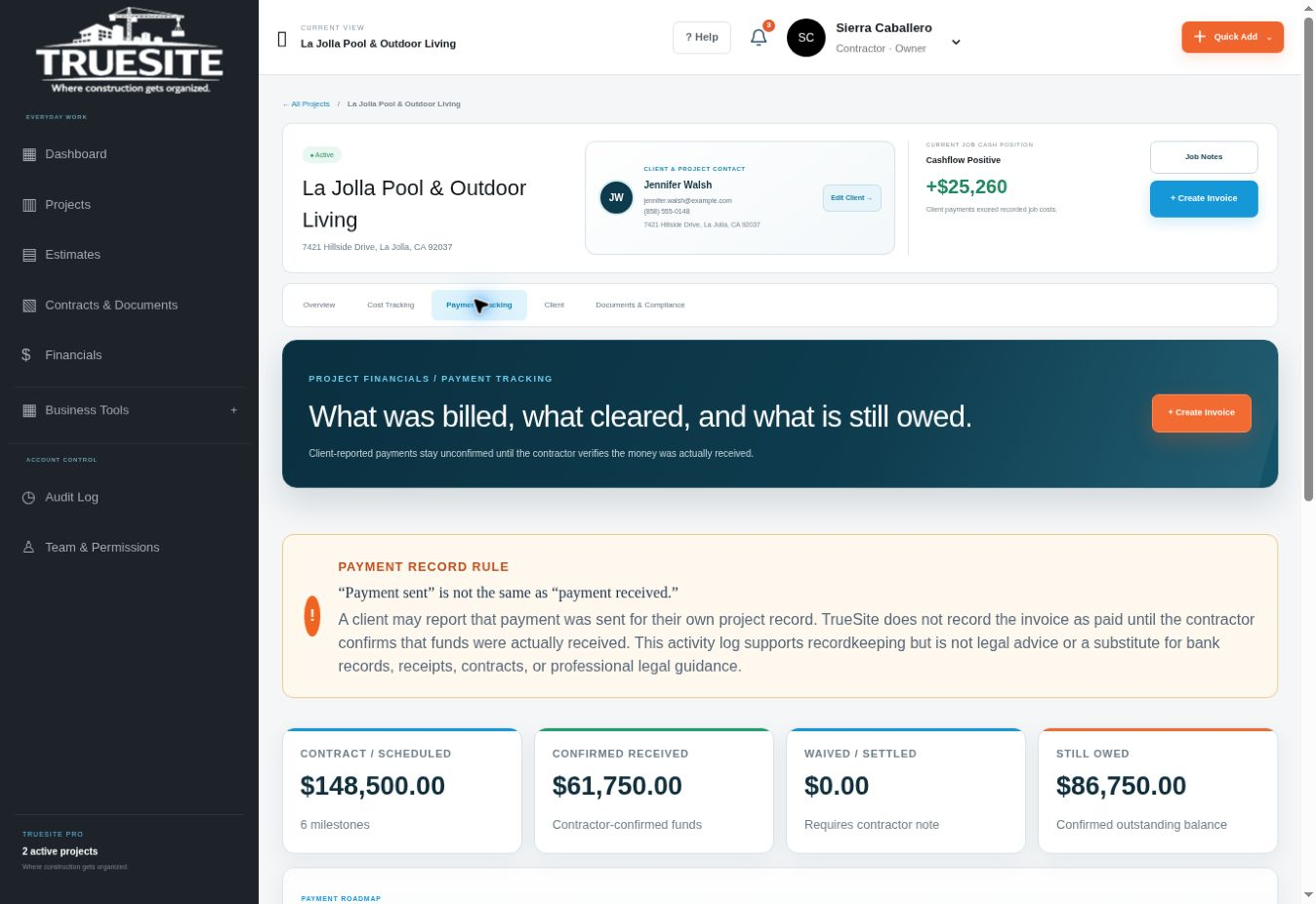
A payment in the bank does not tell you what is left to spend on the job. Start with payments actually received and expenses actually recorded, then look at the costs and collections still ahead. That distinction makes the cash position useful.
Assign a material receipt, labor entry, equipment cost or other expense to the project it belongs to. Keep enough detail to understand what the cost represents.
Keep the agreed payment schedule, invoice status and payment record together. Sending an invoice is different from receiving the money.
Compare received payments with recorded costs. Then review unpaid commitments and remaining work before deciding what the balance means for the project.
This is not final profit. Unpaid supplier bills, future labor, overhead and amounts still to collect can change the project's eventual result.
Explore this area in the demo →| Record | Amount |
|---|---|
| Payments actually received | $48,500 |
| Recorded project costs | − $30,240 |
| Cash ahead of recorded costs | $18,260 |
| After an additional $750 cost | $17,510 |
Small residential contractors often manage purchasing, crew time and customer billing themselves. Recording those details as the work happens helps create a project history that is easier to review than a pile of receipts at the end of the month.
TrueSite's workflow brings receipts and expense records together with employee time, equipment assignments and milestone payments. Review costs by project, keep the payment history organized and use the company view to understand how several active jobs fit together.
Use the demo to inspect the structure of a cost entry and the payment schedule. When evaluating any contractor job-costing software, check whether you can trace a displayed total back to its underlying entries and distinguish cash received from amounts merely invoiced.
Built by David Caballero, a working general contractor and founder of TrueSite. Read the founder story →
Job costing organizes expenses against a specific construction project. Common categories include materials, labor, equipment and other costs associated with the work.
No. Cash position compares payments received with recorded outflows. Final profit requires the complete revenue and cost picture, including remaining costs and the appropriate business expenses.
TrueSite's plans are based on active-job capacity: Starter covers up to three, Pro up to five, and Unlimited supports unlimited active jobs. Compare the current plans before choosing your capacity.
Explore the platform, then choose the plan for your active projects.