01 / START WITH STRUCTURE
The contract is more than a signature.
Build the job around contracts, cancellation notices, mechanics lien paperwork, CSLB notifications, and a clear milestone payment schedule.
Explore the contract workflow ↗
Run your jobs, money, and clients in one place. Turn approved estimates into guided contract packets, keep client selections moving, give homeowners their own project portal, and track the money behind every job—all in one place.
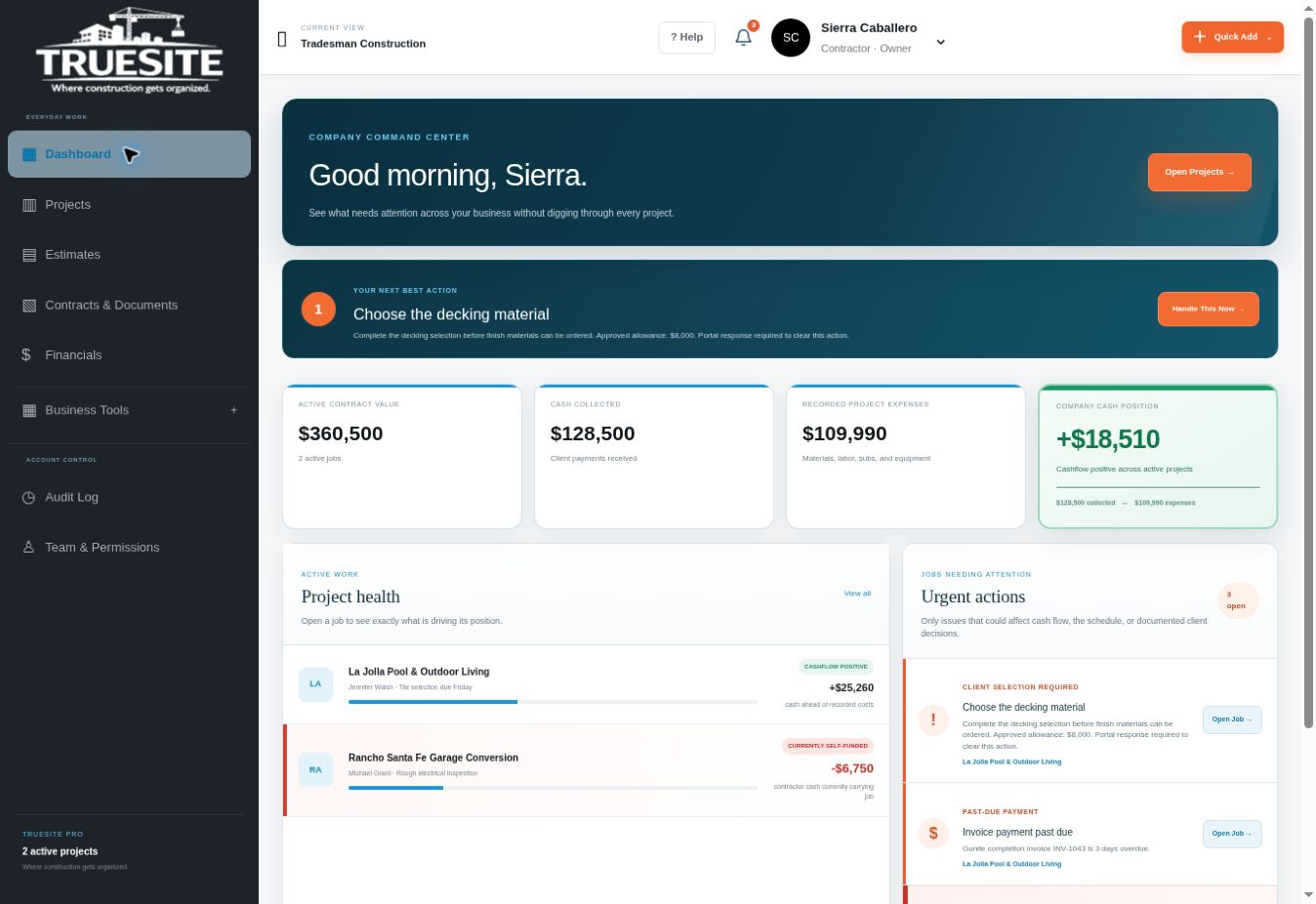
TrueSite is a guided construction management platform for small residential contractors. It connects the paperwork, the homeowner, and the day-to-day business of the job.
Build the job around contracts, cancellation notices, mechanics lien paperwork, CSLB notifications, and a clear milestone payment schedule.
Explore the contract workflow ↗Identify what the client needs to choose, the allowance for that item, and when the decision is due. Keep the remodel moving with fewer loose ends.
See the remodeler's selection list ↗A dedicated login for updates, photos, selections, plans, inspection reports, and important documents. One organized place to follow their project.
Explore the client experience ↗A signature is one part of the process. TrueSite helps you present the contract documents and notices that belong with the job, in a guided workflow built for California residential contractors.
Approved estimateStart with the agreed scope and price.
Home improvement contractGuide the job details into the contract.
Right-to-cancel paperworkThree-day notice where applicable.*
Mechanics lien paperwork & CSLB noticesInclude the homeowner information with the packet.
Progress milestone payment scheduleSet out the work phases and corresponding payments.
Remodeler's client selection listIdentify the items, allowances, and decisions ahead.
From the approved estimate forward, TrueSite walks you through the contract process—helping you build structure into the job before the work begins.
*Cancellation periods and document requirements depend on the project and homeowner. TrueSite supports your compliance process; correct completion, delivery, signatures, and job-specific review still matter.
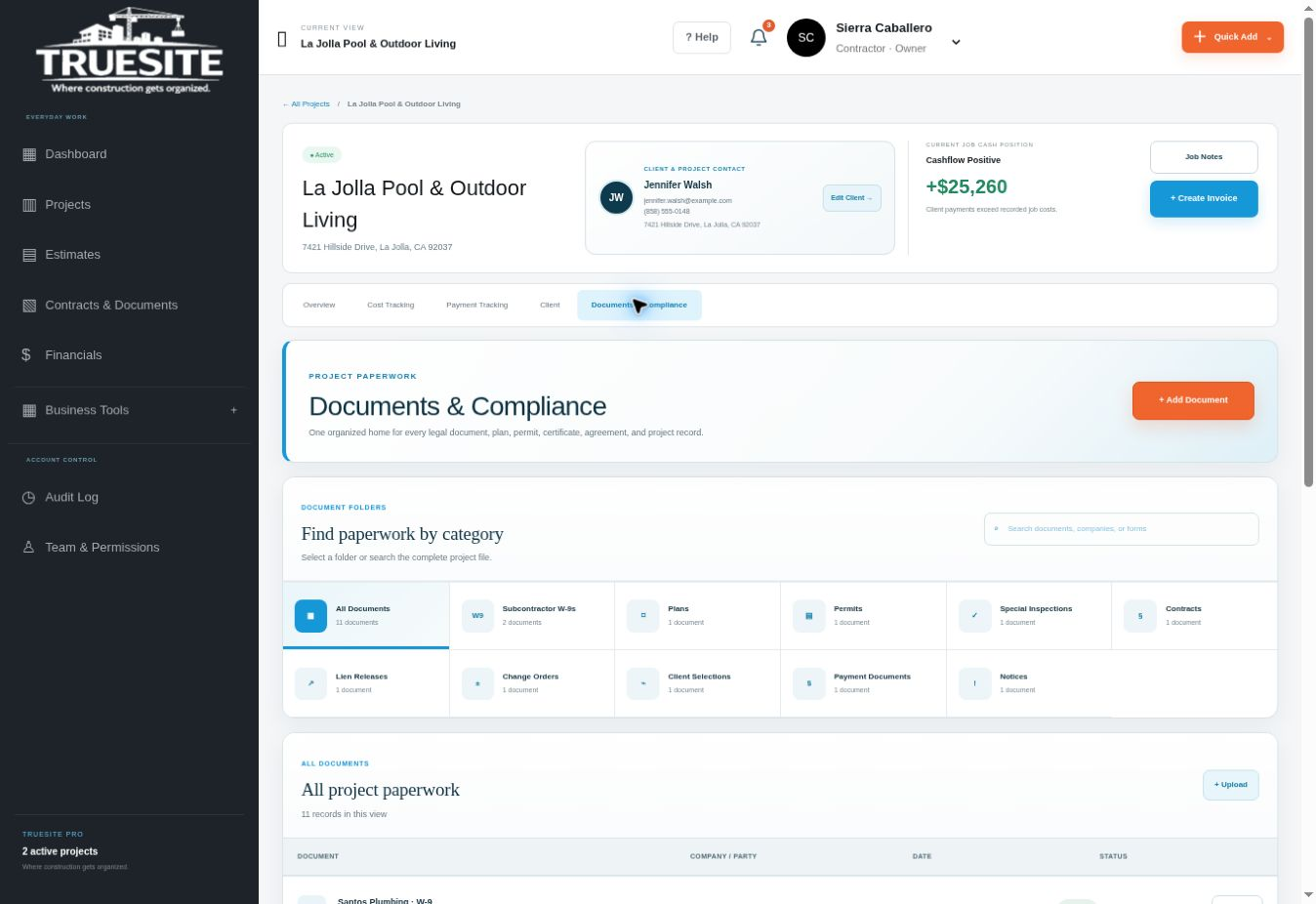
The guided setup is just the beginning. Keep managing job costs, payments, client decisions, and project records as the work moves forward.
Cash position, payment progress, client decisions, and field activity. See the details that matter together, without digging through every corner of the business.
Your client doesn't choose everything at once. TrueSite's remodeler client selection list gives every decision an item, an allowance, and a deadline.
Make the details visible before they become a delay. Clients can see what they need to choose, while you keep the project's decisions organized.
Give homeowners one place to follow the work, review decisions, and find their important documents. A professional experience that reflects the care you put into the job.
CLIENT VIEW · SAMPLELa Jolla Pool & Outdoor Living
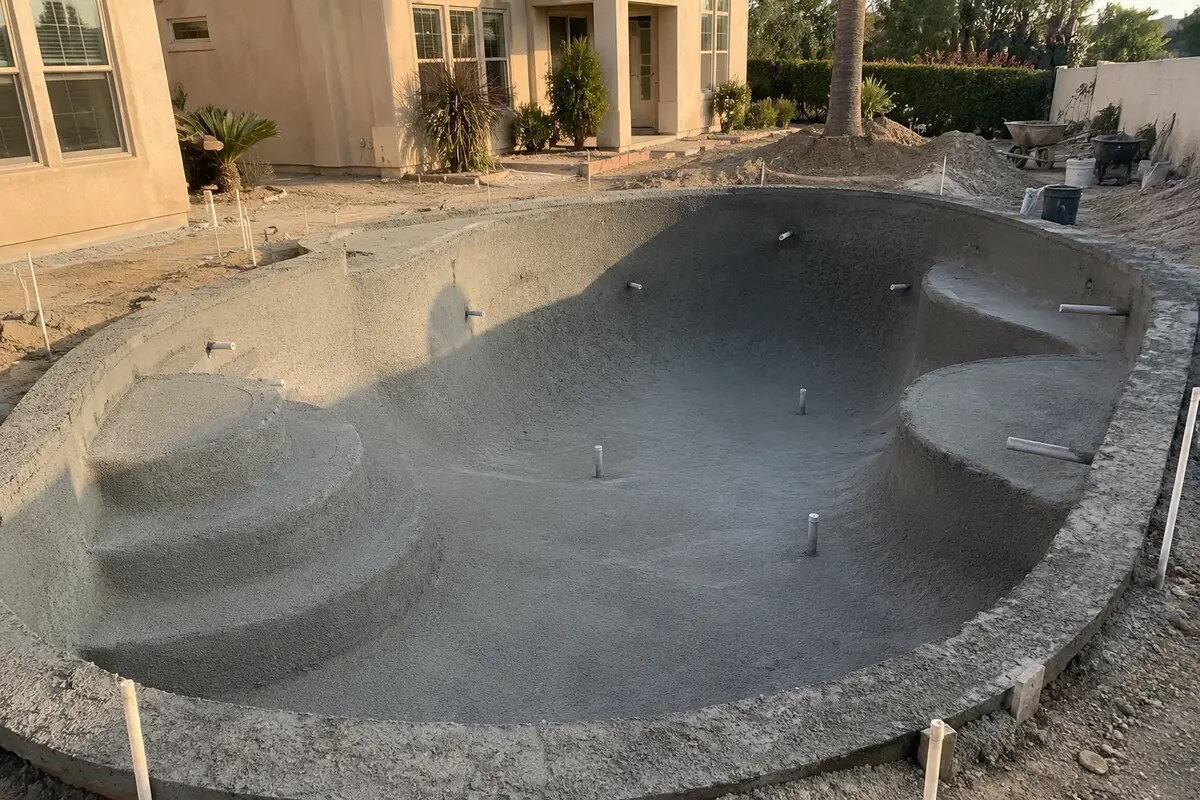
See today's progress and what's coming next.
Your client has dedicated access to their project information.
Job updates and photos keep the homeowner involved and informed.
Inspection reports, city plans, contracts, and important project records in one organized place.
Keep selections and the client's next steps connected to the work.
Capture photo receipts and keep materials and expenses connected to the right job.
Track employee time and labor by project, with daily logs that support weekly payroll.
Keep equipment assignments and location records in the same place you manage the work.
Track materials, labor, equipment, and other expenses against the job. See how recorded costs and payments received shape your current cash position.
Add a sample expense and see the difference →Explore job cost tracking for contractors →Cash position is not final profit. Future costs and payments still matter.
Try adding a receipt →The contract packet gets the job started. TrueSite keeps the business, the client, and the day-to-day work connected as it moves forward.
Approved estimates, contract workflows, applicable cancellation paperwork, mechanics lien information, and CSLB notices.
Progress payment schedules, invoices, payment history, and documented changes to the scope and price.
Clearly identified finish items, individual allowances, decision deadlines, and overage change orders.
A homeowner login for updates, photos, decisions, payment information, and shared project documents.
Photo receipts, AI-assisted receipt capture, and material, labor, equipment, and other job-cost tracking.
Job-based employee time, labor records for payroll preparation, equipment assignments, and location records.
Contracts, plans, permits, inspection reports, notices, and project records organized with the job.
Company totals, job cash position, payment progress, urgent actions, and the next steps that need attention.
Walk through a sample job. Build a demonstration contract packet, choose a finish, record an expense, review a milestone, and switch to the homeowner's view.
Built in the field.
Built for what comes next.
TrueSite was founded by David Caballero, a working general contractor who knows what it takes to manage the work, the money, and the client at the same time.
From the first contract packet to the final client update, TrueSite is built around the way residential contractors actually work—with homeowners, changing selections, progress payments, and paperwork that matters.
TrueSite is designed for small residential contractors and owner-operators managing multiple jobs, especially those handling the business side without dedicated office staff.
Construction management software brings project paperwork, costs, payment records and client communication into a shared workflow. TrueSite connects those tools with California-focused contract guidance, remodeler selections and a dedicated homeowner portal for small residential contractors.
TrueSite connects recorded job expenses with payments received, so you can see the current cash position of each project. Cash position is different from final profit; outstanding costs and future payments still matter.
TrueSite is built to support a structured California contract process with contracts, notices, mechanics lien paperwork, and milestone payment schedules. Compliance also depends on the right documents for the job, accurate completion, proper delivery, signatures, payment practices, and the work itself. Cancellation rights can be three, five, or seven days depending on the situation. Software alone cannot guarantee compliance. See CSLB's sample home improvement contract.
With their own project login, clients can follow updates and photos and access shared project documents such as inspection reports, city plans, and other important records. The selection list helps keep their decisions organized alongside the job.
Yes. Explore the free interactive sample project without a credit card. You can also .
If TrueSite is not the right fit, request a refund of your first subscription payment within 30 days of that payment.
Read the money-back guarantee →Set up the paperwork. Clarify the selections. Bring your client into the process. Run the job with one connected system.
Choose your plan →